2.5.a) API integration
Baltnetos login: https://multi-api-v3.tellq.io/client/api/documentation
Bitė login: https://api-bite.tellq.io/client/api/documentation
You can obtain the API Token in two ways:
Method 1:
Direct login via API:
Log in using your TL credentials at the following endpoint:https://multi-api-v3.tellq.io/api/client/auth/login
Use DevTools to extract the token from the request header:
"Bearer xxxxxxxxxxxxxxxxxxx"
Enter the obtained API token into the "Authorize" section at:https://multi-api-v3.tellq.io/client/api/documentation
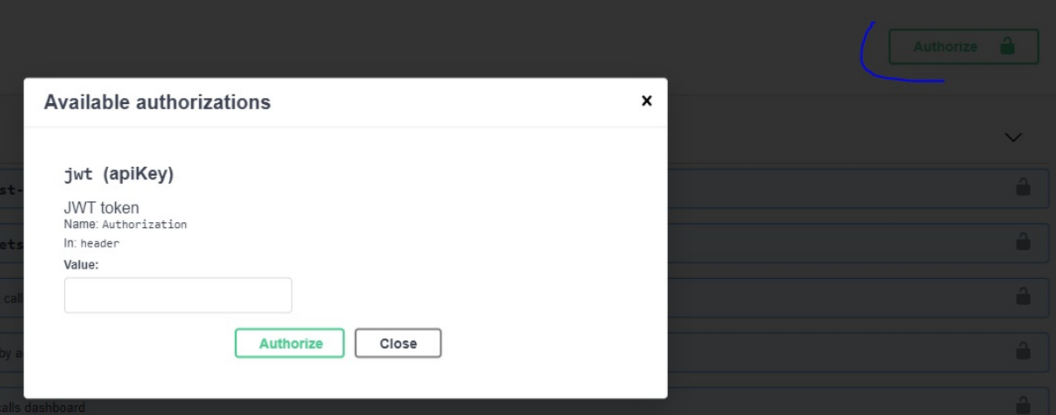
Using the obtained token, specify the date range for the desired calls, for example:https://multi-api-v3.tellq.io/api/client/calls?from=2021-12-01&to=2021-12-03
Method 2:
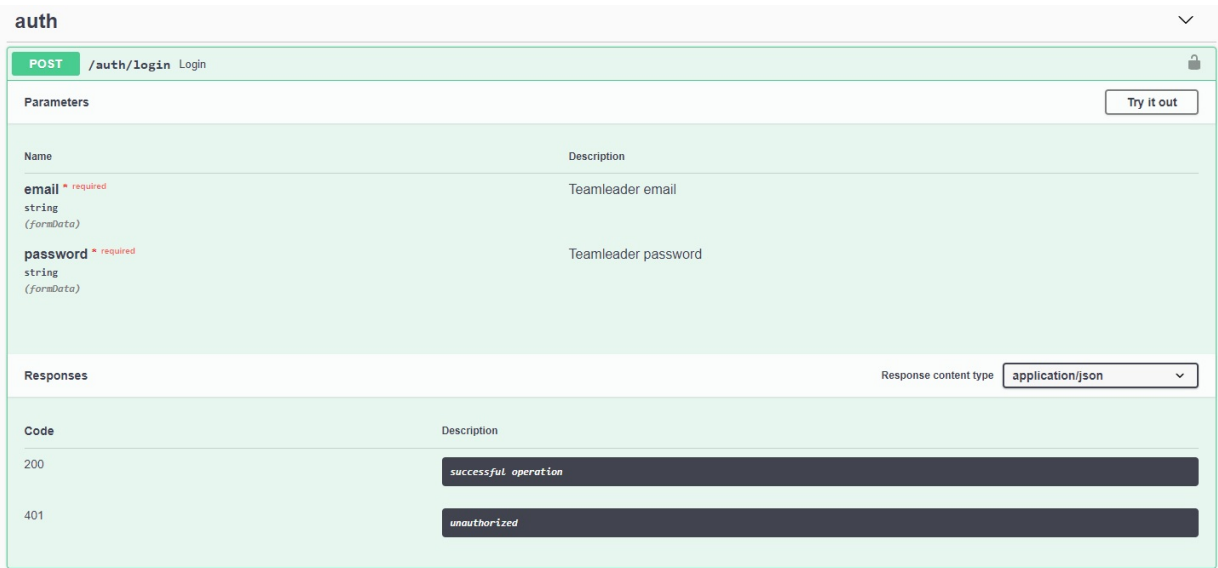
Open:https://multi-api-v3.tellq.io/client/api/documentation
In the /auth/login section, enter your TL credentials → click Execute
The /auth/login endpoint will return a response in the following format:
"data": {
  "token": "Bearer xxxxxxxxxxxxxxxxxx"
}
Enter API token to https://multi-api-v3.tellq.io/client/api/documentation "Authorize":
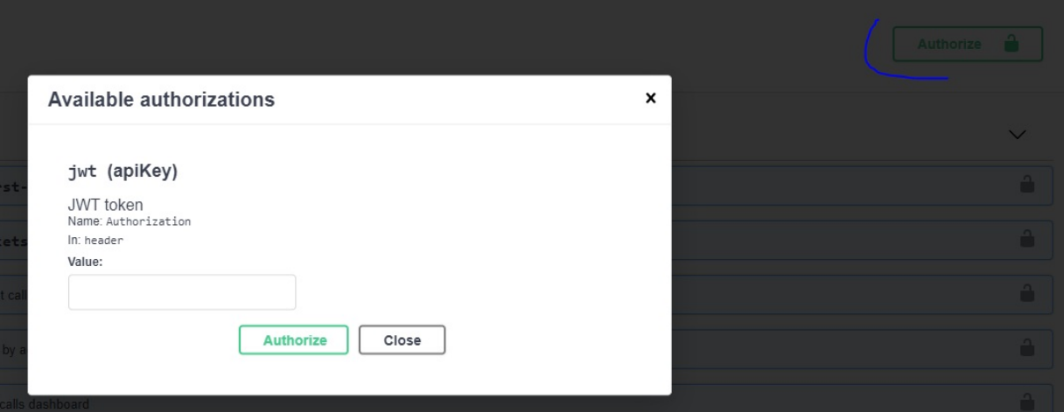
Call information via API:
To retrieve call information, request the following parameters as needed:
Date, Agents, Phoneline.
You will receive a response:
{
"id": 1211,
"phoneline_name": "000000000",
"total_calls": 10,
"inbound_calls": 6,
"outbound_calls": 4,
"transferred_calls": 0,
"total_talking_time": 0,
"inbound_talk_time": 0,
"avg_call_duration": null,
"avg_handling_time": null
}
EXAMPLE HOW TO LOGIN:
Windows token request:
CMD:
curl -X POST "https://api-bite.tellq.io/api/client/auth/login" ^
-H "accept: */*" ^
-H "Content-Type: application/x-www-form-urlencoded" ^
-d "email=jonas@jonaitis.lt&password=pass123"
PowerShell:
Invoke-RestMethod -Uri "https://multi.tellq.io/api/client/auth/login" -Method Post -Headers @{
"accept" = "*/*"
"Content-Type" = "application/x-www-form-urlencoded"
} -Body "email=jonas@jonaitis.lt&password=pass123"